
7 Apps to Help You Get Around Boston
7 Apps to Help You Get Around Boston
-

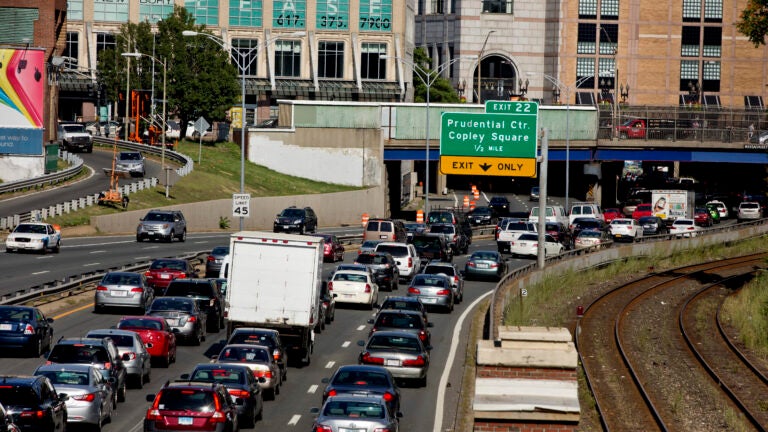
Getting yourself around Boston can be tricky and can also be a downright headache. Luckily, there are some smartphone apps out there to make things a bit smoother. Here, we’ve compiled a list of apps to help you turn your smartphone into a personal commuting assistant.
-
Waze

This app exists to help drivers travel as smoothly as possible. Waze offers real-time information on traffic jams, fastest routes, road hazards, and police traps. Additionally, you can sync arrival times with friends if you’re traveling in a group or find the cheapest gas stations in your area if your tank is running low. With information continuously updated by the app’s editors and fellow drivers, Waze is a very knowledgeable co-pilot.
Waze is available for free on iOS, Android, and Windows phones.
-
TicketZen

Have you ever returned to your car only to find a bright orange slip of disappointment tucked in your windshield? This app aims to make the parking ticket experience a little less painful by allowing immediate, on-the-spot payment. With TicketZen, you can scan your ticket, enter your credit card details and have the payment taken care of in a matter of minutes. So although parking violations are no fun, at least you won’t have to wait in line at city hall or worry about sending your payment through the mail.
TicketZen is free to download for both iPhone and Android, but there is a $1 convenience fee whenever you use it to make a payment.
-
OpenMBTA

If you aren’t driving, OpenMBTA is the go-to app for public transportation in Boston. With this app, you can view MBTA maps and schedules, and get information on the exact arrival time of the next bus or train. With this information in your pocket, you can minimize the amount of time you spend waiting for the T, and perhaps use the extra time to make a quick Dunkin’ or Starbucks run.
OpenMBTA is free for both iPhone and Android users.
-
Haystack

Hopelessly driving through the streets of Boston in search of parking? We’ve all done it, and we all hate it. Haystack is an app that aims both to make parking easier and help you make a profit. Using Haystack, those who are finished with their parking spot can put it on the market for those who are seeking somewhere to leave their car. This way, drivers don’t have to spend large chunks of time in pursuit of parking space. They can simply check the app and see what’s for sale. This app has sparked quite a bit of controversy in Boston, as Mayor Walsh has expressed his disapproval of the app multiple times, claiming that it will increase the price of parking and “allow individuals to profit from public space.’’ What do you think? Is Haystack a revolutionary and socially beneficial product, or does it encourage greed?
Haystack is available for both iPhone and Android.
-
Automatic

Automatic wants to help you drive smarter. Using an accessory called the Link, Automatic is able to sync your car and your smartphone to give you a better sense of how your car is running. Through its weekly driving report, the app tracks basic information like fuel efficiency and mileage. It also offers tips on how to best address your car’s current problems and avoid future issues. With Automatic, you don’t have to wonder why the “check engine’’ light refuses to turn off or where all your gas is going. You’re given a detailed report right on your phone.
It is available for both iPhone and Android users for $99.95.
-
MBTA mTicket

If you’re a heavy user of the commuter rail, then you know how much of a hassle it can be to buy train tickets, especially if you don’t carry enough cash with you. With MBTA mTicket, you can buy your ticket on the train, right from your smartphone. Simply enter your starting point and destination, enter your credit card details, and show the ticket screen to the conductor. MBTA mTicket ensures that you don’t have to wait in lines or fumble with cash for the commuter rail ever again.
MBTA mTicket is available for free in both iOS and Android markets.
-
Google Maps

Of course, this list wouldn’t be complete without Google Maps. Whether you’re walking, driving, biking or using public transportation, Google Maps helps you navigate the city by providing detailed information about directions, fastest routes, and traffic updates. Once you’ve entered your starting point, destination, medium of transportation, and departure or arrival time, Google will plan your trip for you.
Google Maps is free for both iPhone and Android phones.




To comment, please create a screen name in your profile
To comment, please verify your email address
Conversation
This discussion has ended. Please join elsewhere on Boston.com